 by
by Introduction
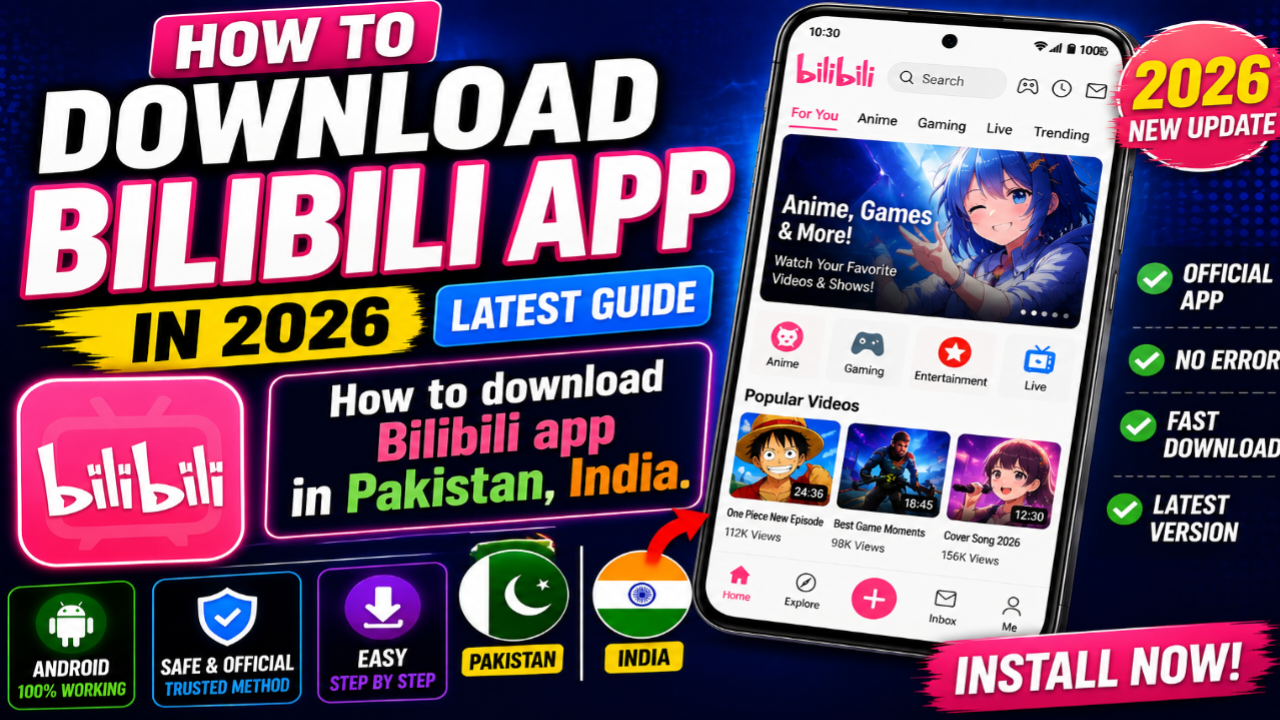
Looking for a simple way to download the Bilibili app in 2026? Bilibili is a popular video and entertainment platform, particularly known for anime, gaming, creator videos, entertainment content, and its active online community.
In 2026, Bilibili has expanded its international presence, and its Android application is available through Google Play in supported regions. Bilibili also provides an official download page where users can find the available app download options.
If you are using an Android phone and want to install Bilibili, you don’t necessarily need to search for random APK files. The safest approach is to first check the official Bilibili website or Google Play Store.
In this guide, we’ll explain how to download Bilibili in 2026, how to install it on Android, what to do if you cannot find it in Google Play, how to create an account, and some important safety tips.
What Is Bilibili?
Bilibili is a video-sharing and entertainment platform that originally became popular around anime, comics, and games (ACG).
Over time, the platform expanded into a much broader video community featuring:
- Anime
- Gaming
- Creator videos
- Entertainment
- Technology
- Live content
- Short videos
- Community discussions
- Movies and shows in supported regions
Bilibili describes itself as a community built around anime, comics, games, creators, and users. Its international service also offers creator-generated content alongside licensed entertainment.
Is Bilibili Available in 2026?
Yes. Bilibili currently has Android applications available through Google Play, although the exact app availability and content can depend on your region.
The official Bilibili download page provides links for downloading the app, including Google Play and other available options.
Recent 2026 reports also indicate that Bilibili relaunched its international Android app globally in August 2026, with a broader international focus.
How To Download Bilibili App on Android in 2026
The easiest method is to use Google Play.
Step 1: Open Google Play Store
Open the Google Play Store on your Android smartphone.
Make sure you’re using the official Play Store rather than an unknown website.
Step 2: Search for Bilibili
In the Play Store search bar, type:
Bilibili
Several similarly named applications may appear, so check the application name and developer information carefully.
The official Bilibili Android listing is currently available on Google Play.
Step 3: Check the App
Before installing the application, verify that you’re looking at the intended Bilibili app.
Check:
- App name
- Developer information
- App description
- Reviews
- Download information
- Permissions
- Recent update information
This helps reduce the risk of installing an imitation application.
Step 4: Tap Install
Once you’ve found the appropriate Bilibili application, tap:
Install
Google Play will download and install the application automatically.
The installation time depends on your internet connection and device.
Step 5: Open Bilibili
After installation is complete, tap:
Open
The Bilibili application should launch on your Android phone.
How To Download Bilibili From the Official Website
Another option is to visit Bilibili’s official download page.
The official Bilibili download page provides download options for its application, including Google Play.
This can be useful if you want to start from Bilibili’s own website instead of searching manually in Google Play.
What If Bilibili Doesn’t Appear in Google Play?
Sometimes an application may not appear in a user’s Play Store search because of:
- Regional availability
- Device compatibility
- Android version
- Play Store configuration
- Temporary availability changes
- Different versions of the application
Bilibili itself notes that its content and availability can vary by region.
If the app isn’t showing up, first check the official Bilibili website and Google Play listing rather than downloading an APK from an unknown source.
How To Install Bilibili on Android
Once you’ve downloaded the application through an official source:
- Open the downloaded application or Google Play installation.
- Follow Android’s installation prompts.
- Wait for the installation to finish.
- Open Bilibili.
- Allow only the permissions you are comfortable granting.
- Sign in or create an account if required.
If you’re using Google Play, Android handles the installation process for you.
Can You Download Bilibili for Free?
The Bilibili application itself can be downloaded for free through the available official channels.
However, some content or features may require a Premium subscription depending on the region and title.
Bilibili’s official site describes Premium benefits such as access to Premium content, early viewing, higher-resolution options, and other benefits.
So:
App download → Free
Some Premium content/features → May require payment
How To Create a Bilibili Account
After installing Bilibili, you can explore the application and use the account options provided.
Depending on the current version and region, you may be able to register using supported sign-up methods.
Recent 2026 reports indicate that Bilibili’s international relaunch simplified sign-up for international users, including removing the previous passport/ID verification requirement reported for the international app.
Because registration options can change, follow the options displayed inside the current official application.
How To Use Bilibili After Installation
Once the application is installed, you’ll find different sections depending on your region and app version.
You can generally use Bilibili to:
- Watch videos
- Search for creators
- Browse anime
- Explore gaming content
- Follow creators
- Save videos
- Comment
- Manage your viewing history
- Watch supported content offline
- Upload content where creator features are available
Bilibili’s official platform includes both professionally produced content and user-generated creator videos.
Bilibili Features in 2026
1. Anime Content
Anime remains one of Bilibili’s major content categories.
Depending on your region, you may find:
- New anime
- Classic anime
- Dubbed content
- Subtitled content
- Premium titles
The available library can differ by location because of licensing agreements.
2. Creator Videos
Bilibili isn’t only an anime application.
Creators can publish videos covering various subjects.
This includes areas such as:
- Technology
- Gaming
- Entertainment
- Education
- Lifestyle
- Creative content
3. Gaming Content
Gaming is another major part of the Bilibili community.
Users can discover gaming videos, esports-related content, game guides, and creator content.
4. Live Commenting
One of Bilibili’s recognizable features is its live-commenting community experience.
Comments can appear alongside videos, creating a more interactive viewing experience.
5. Offline Viewing
Bilibili’s official pages advertise video downloading for offline viewing, with availability depending on the content and account/region.
This can be useful when you know you’ll have limited internet access later.
Bilibili Android App Requirements
The exact requirements can change between app versions.
Before installation, check the current Google Play listing for your device.
Your phone should have:
- A compatible Android version
- Enough free storage
- Internet access
- Google Play Store access where applicable
If Google Play says the application isn’t compatible with your device, don’t install an unofficial modified version simply to bypass the compatibility warning.
How Much Storage Does Bilibili Need?
The application’s download size can change as Bilibili releases updates.
In addition to the application itself, downloaded videos can consume significant storage.
If you plan to use offline downloads, make sure your phone has enough free space.
You can check available storage by going to:
Settings → Storage
The exact menu may differ depending on your Android phone.
How To Update Bilibili
Keeping the app updated can provide:
- Bug fixes
- Performance improvements
- Security improvements
- New features
- Compatibility improvements
To update Bilibili:
- Open Google Play Store.
- Search for Bilibili.
- Open the app page.
- If an update is available, tap Update.
You can also enable automatic updates for applications through Google Play’s settings.
What To Do If Bilibili Is Not Installing
If Bilibili won’t install, try these basic troubleshooting steps.
Check Your Internet Connection
Make sure your Wi-Fi or mobile data is working correctly.
Check Storage
Make sure your phone has enough free storage.
Restart Your Phone
A simple restart can sometimes resolve temporary installation problems.
Update Google Play
Make sure Google Play Store and Google Play Services are functioning correctly.
Check Compatibility
Read the current Play Store compatibility information for your device.
What If Bilibili Is Not Available in Your Region?
Application availability can differ by country or region.
Bilibili’s own website says that content varies from region to region and may change.
If the application isn’t officially available in your region, avoid downloading modified or suspicious versions simply to bypass regional restrictions.
Instead, check Bilibili’s official website periodically for changes in availability.
Should You Download Bilibili APK From Random Websites?
It’s better to avoid random APK websites when an official download option is available.
An unofficial APK could potentially be:
- Modified
- Outdated
- Bundled with unwanted software
- From an unknown developer
- Different from the official application
The safest approach is to use Google Play or the official Bilibili download page.
Bilibili’s official download page currently provides Google Play as a download option.
Bilibili vs YouTube
Bilibili and YouTube are both video platforms, but they have different communities and content strengths.
| Feature | Bilibili | YouTube |
|---|---|---|
| Anime | Strong focus | Available |
| Gaming | Strong | Strong |
| Creator videos | Yes | Yes |
| Live content | Yes | Yes |
| Community features | Strong | Strong |
| Global availability | Expanding | Very broad |
| Offline viewing | Supported for eligible content | Supported with applicable features |
| Premium content | Available for some titles | YouTube Premium/content-specific options |
Bilibili is particularly attractive to people interested in anime, gaming, and creator communities.
Is Bilibili Safe to Download?
The safest approach is to download the application through an official source and review its current permissions and privacy information before installation.
Google Play provides app information, while Bilibili’s own website provides official download links.
Don’t install modified versions just because a website promises:
- Premium unlocked
- No ads
- Unlimited downloads
- Free premium
- Modified features
Those versions aren’t official and may create unnecessary security or privacy risks.
Tips Before Installing Bilibili
Tip 1: Use the Official Source
Prefer Google Play or Bilibili’s official download page.
Tip 2: Check the Developer
Make sure you’re installing the intended Bilibili application.
Tip 3: Keep Android Updated
Use the latest security updates available for your phone.
Tip 4: Check Permissions
Review permissions requested by the app and only grant those you are comfortable with.
Tip 5: Avoid Modded APKs
Don’t install unofficial modified versions just to access additional features.
Tip 6: Check Regional Availability
Content and application features can vary by region.
Frequently Asked Questions
How can I download Bilibili in 2026?
On Android, open Google Play Store, search for Bilibili, verify the correct application, and tap Install. You can also start from Bilibili’s official download page.
Is Bilibili available on Android?
Yes. Bilibili currently has an Android application available through Google Play in supported regions.
Is Bilibili free?
The application can be downloaded for free, but some content and features may be Premium.
Can I download Bilibili without Google Play?
Bilibili’s official download page provides multiple download options depending on the region, including Google Play and other available channels.
Why can’t I find Bilibili on Google Play?
Availability can depend on your region, device compatibility, and the current Play Store configuration.
Can I watch Bilibili without an account?
Some content may be available without signing in, while certain features require an account. The exact experience depends on the current application and region.
Does Bilibili have anime?
Yes. Anime is one of Bilibili’s major content categories, although the available titles depend on your region and licensing.
Can I download videos from Bilibili?
Bilibili provides offline-download functionality for supported content and users. Availability depends on the video and region.
Is Bilibili available worldwide?
Bilibili has been expanding internationally, but exact application and content availability can still vary by country and region.
Is Bilibili coming to iPhone?
Bilibili’s 2026 international expansion has focused on Android, with reports saying iOS availability is expected to follow. Availability can change, so check the official Bilibili channels for the latest status.

Conclusion
Downloading the Bilibili app in 2026 is straightforward for Android users in supported regions.
The recommended method is to open the Google Play Store, search for Bilibili, verify the application information, and tap Install. You can also visit Bilibili’s official download page to access the available download options.
Bilibili offers much more than anime. The platform includes creator videos, gaming, entertainment, community features, and other video content. Its international presence is also expanding in 2026.
If the application isn’t available in your region, avoid downloading suspicious modified APKs. Instead, check the official Bilibili website and Google Play periodically for availability changes.
For the safest experience, always download the official application, keep it updated, review permissions, and avoid unofficial modified versions.
SEO Keywords
Primary Keyword: How To Download Bilibili App in 2026
Secondary Keywords:
- Bilibili app download 2026
- download Bilibili Android
- Bilibili APK download
- Bilibili app for Android
- how to install Bilibili
- Bilibili download Android
- Bilibili Google Play
- Bilibili app 2026
- Bilibili anime app
- Bilibili international app
- how to get Bilibili app
- Bilibili Android download
- Bilibili official app
- Bilibili app download guide